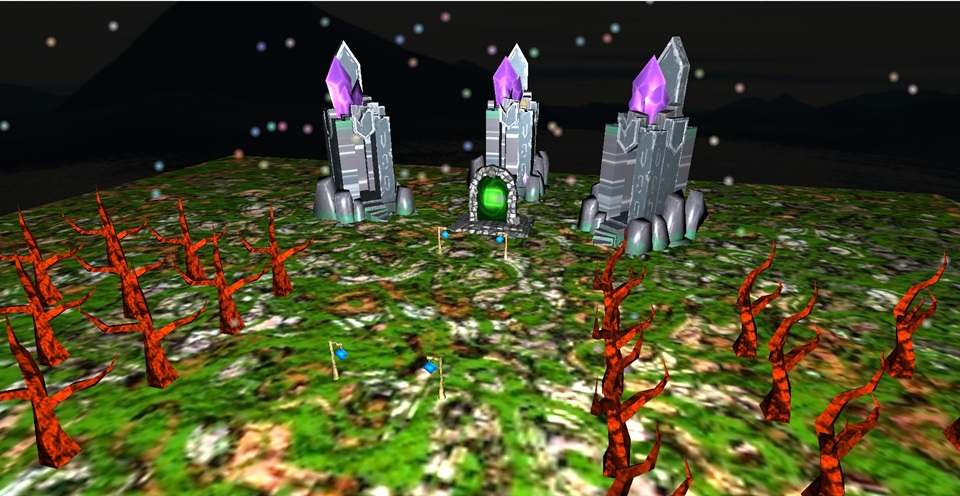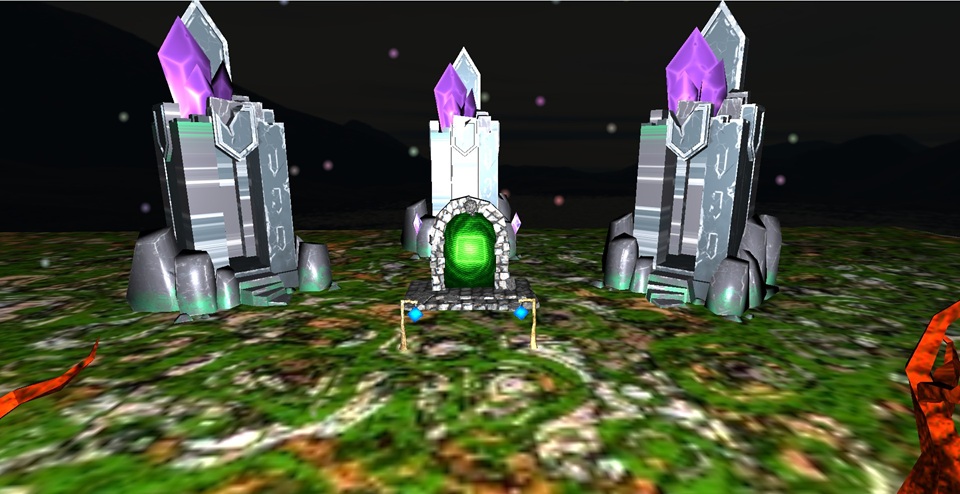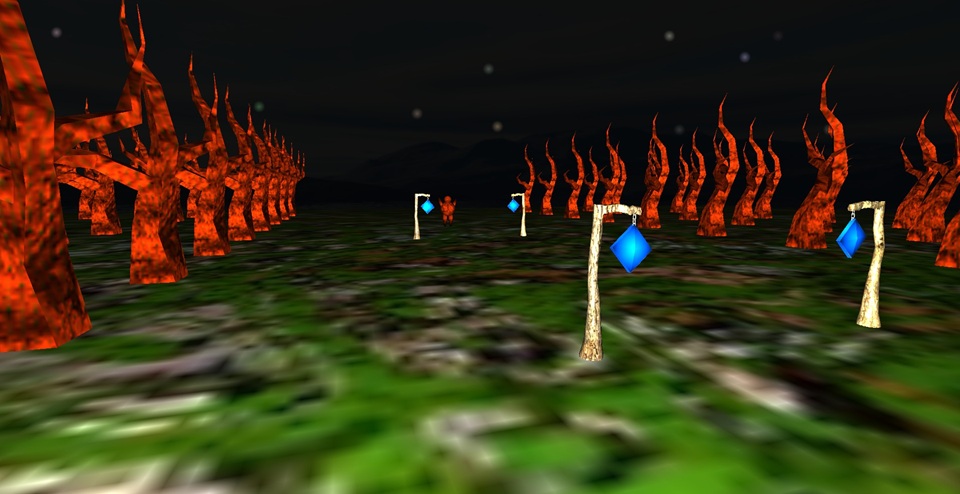
My scene depicts a tree come to life. He wants to be a real human and realizes the portal will transform him. He embarks on a video game like cut scene traveling through the portal, transforming him into a human with wizard robes. The scene incorporates snowfall, lighting, blinn phong shading, a skybox, a ground, a Spline sequence followed by a FPS style camera traversal to explore the scene. I deepened my knowledge of particles and spline sequences with this scene, as well as some light collision detection between the wizard and the portal to change into a human.
Compile the code by opening the folder in VSCode. In the IDE press the Build button and then in your terminal type './build/Debug/P3Base.exe resources'
Alternatively you can build with cmake and type in './build/Debug/P3Base.exe resources' into the terminal.
One the scene is compiled and running ... the camera will by default be level with the woodland creature with snowfall active.
Press 'Y' to start the animation sequence. A Spline camera sequence will occur and the animation will begin. Before, after, or during the animation feel free to toggle snowfall with 'T' and change density/composition of snow with 'R'.
DO NOT move the camera before starting the Spline as this may change the focus of the Spline. Simply press 'Y' once the scene is rendered and move the camera after the Spline sequence has concluded for the best visual effects.
I was inspired by video game cut scenes to come up with a visually satisfying Spline sequence and spent a good amount of time generating and debugging it.
After the Spline sequence and animation have concluded... you can use 'WASD' to move the camera in an FPS style view and use your mousepad to change yaw and pitch.
Video Link for if embedded version fails to load